


Primavera P6 Intensive Training Program
Primavera P6 Essentials and MS Projects
The Primavera P6 training outline you receive will depend on the specific course level
and target audience. However, I can provide you with a general outline for both basic
and advanced versions, which you can adjust based on your needs:
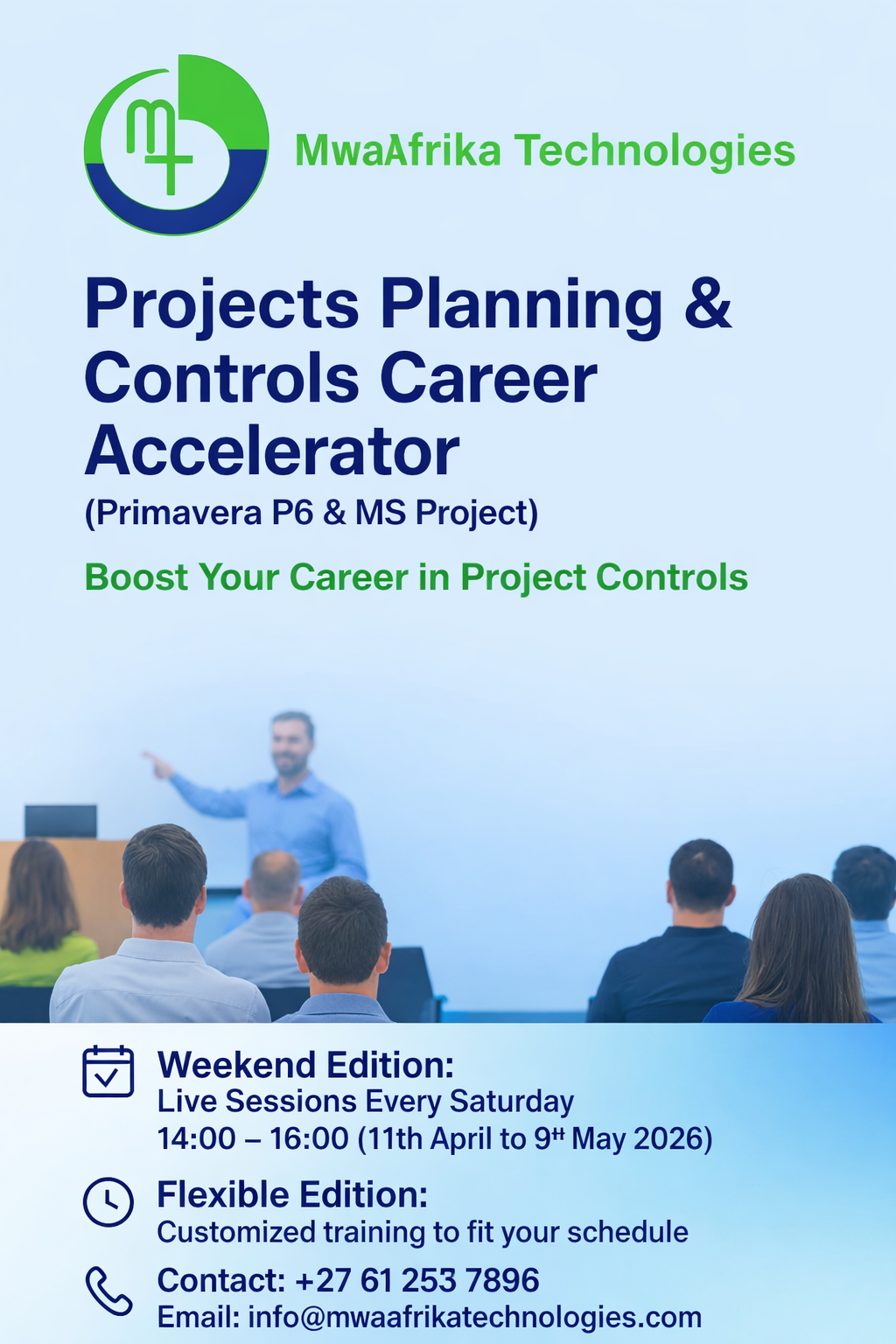
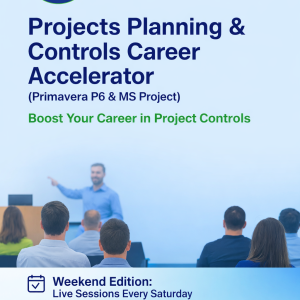
4-Week Intensive Training Program (Weekend Edition)
Program Overview
This focused 4-week training program is designed to equip project professionals with
practical, job-ready skills in Primavera P6, the leading project scheduling and control
software. Ideal for busy professionals, this course delivers 2 hours of live instruction
every Saturday, supported by guided assignments to be completed during the week for
hands-on reinforcement.
By the end of the program, you will be able to confidently plan, schedule, and manage
real-world projects using P6 — with the option to sit for the Oracle P6 Certification Test
(score ≥ 85%) to earn a globally recognized credential. Participants will also receive a
Certificate of Completion from MwaAfrika Technologies, an official Oracle Partner.
Training Format
Duration: 4 Weeks
Schedule: 2-Hour Live Sessions on Saturdays (via Zoom)
Assignments: Weekly practical tasks to be completed before the next session
Delivery: Instructor-led, with recordings, templates, and follow-up resources
Support: 3 months of intensive post-training support
1-year extended mentorship for on-the-job scheduling challenges
Learning Outcomes
By the end of the 4-week program, you will be able to:
✔ Navigate Primavera P6 confidently
✔ Set up and structure new projects using EPS and WBS hierarchies
✔ Create and manage calendars, activities, and resources
✔ Track project progress, manage baselines, and generate key reports
MwaAfrika Technologies – Primavera P6 Fundamental Training GUIDE- 2026
✔ Perform basic schedule health checks and risk analysis
Weekly Modules Breakdown
Week 1: Laying the Foundations
Module 1: Introduction to Primavera P6
P6 interface overview, navigation, and configuration
📌 Assignment: Create a new EPS node and basic project setup
Module 2: Project Calendars
Global vs. project-specific calendars
📌 Assignment: Create and customize a project calendar
Week 2: Structuring Your Project
Module 3: Work Breakdown Structure (WBS)
Hierarchical task structure and activity creation
📌 Assignment: Build a WBS and assign activities
Module 4: Import/Export & S-Curves
Data handling, CSV/XER file exchange
📌 Assignment: Import project data and generate an S-Curve baseline report
Week 3: Resource Management & Progress Updates
Module 5: Resources & Activity Codes
Setting up labor, materials, and equipment resources
📌 Assignment: Apply filters and assign resources to activities
Module 6: Progressing the Project
Updating schedules, tracking resource usage
📌 Assignment: Update progress on a baseline project
Week 4: Risk, Integration & Certification Prep
MwaAfrika Technologies – Primavera P6 Fundamental Training GUIDE- 2026
Module 7: Risk Analysis & Schedule Health
PRA introduction, importing XER files for health checks
📌 Assignment: Perform a risk and schedule quality check
Module 8: Final Review + Q&A
Consolidated practice, certification path guidance
📌 Assignment: Build and submit a mini-project schedule
What You’ll Get
🎓 Certificates:
Oracle Certification Badge (after passing Oracle test ≥ 85%)
MwaAfrika Technologies Certificate of Completion
📁 Tools & Templates:
o P6 Exercise folder:
o Projects Roadmaps:
o Projects WBS:
o Schedule assumptions or BoS
o Scope of work or any other info to help develop the schedule.
SoW
o Arranging Schedule development sessions with Engineers and other
stakeholders for inputs- Responsibility assignment matrix (RACI)
📞 Support Beyond the Course:
3 months of guided post-training help
1-year mentorship with job-related P6 support
Ready to Build Smarter, Faster Schedules?
Join this highly practical weekend program and gain real-world P6 skills that stick—
without disrupting your weekday schedule
Reviews
There are no reviews yet.